The average user probably doesn't give much thought to their Android keyboard, and most people just use the default one provided by their phone manufacturer. However, a good keyboard can give you a whole new experience and simplify your typing in many ways. Let's check out Gboard as a possible alternative for you!
A free and flexible upgrade
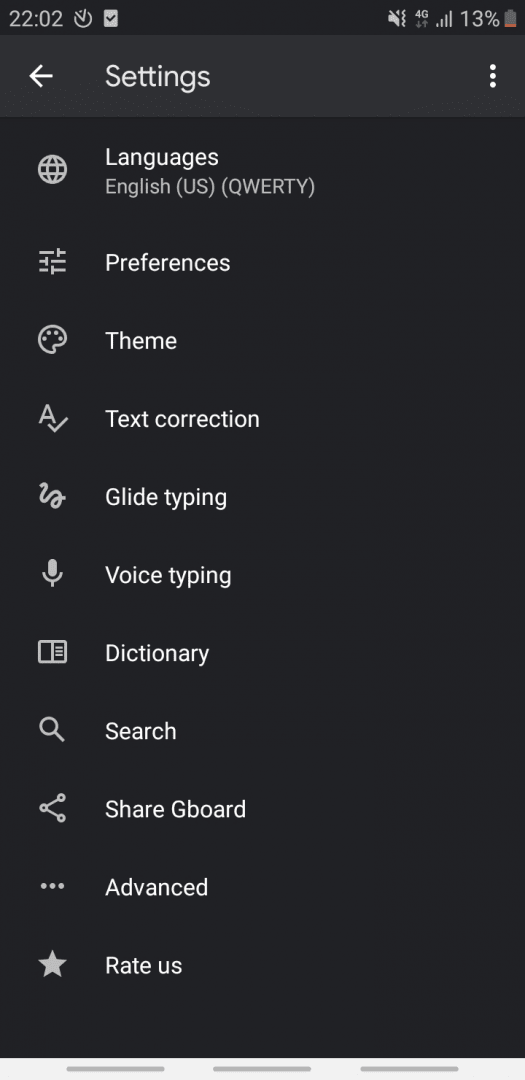
Gboard is developed by Google and, like most of its services, is completely free. It's a handy keyboard app with a simple interface, plenty of useful features, and various in-app options to tweak to make your experience better.Quick access to media and symbols
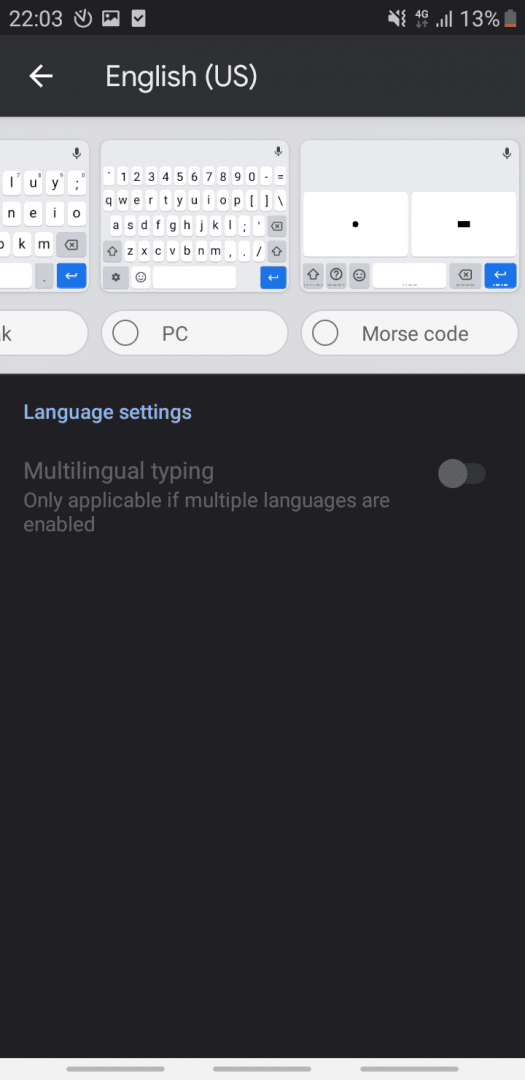
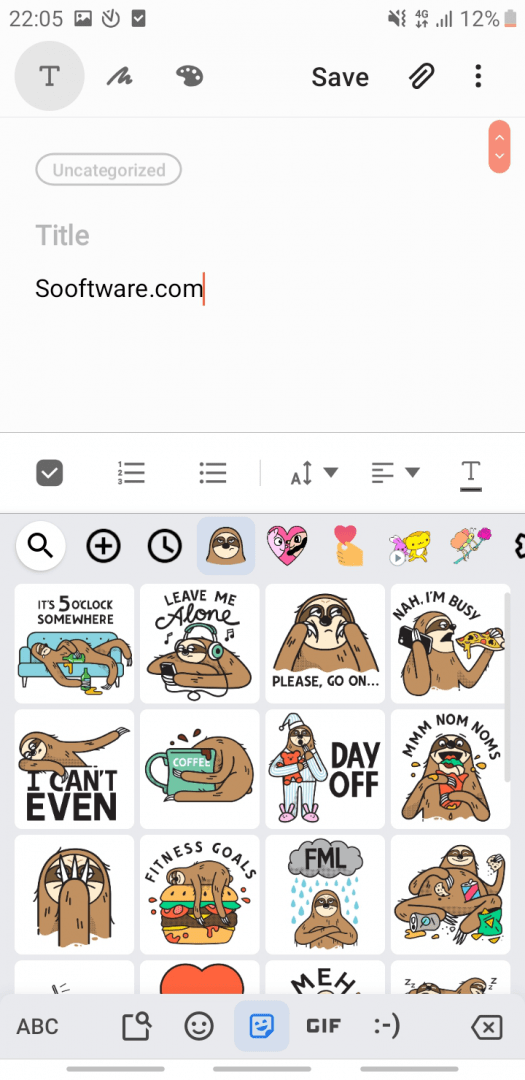
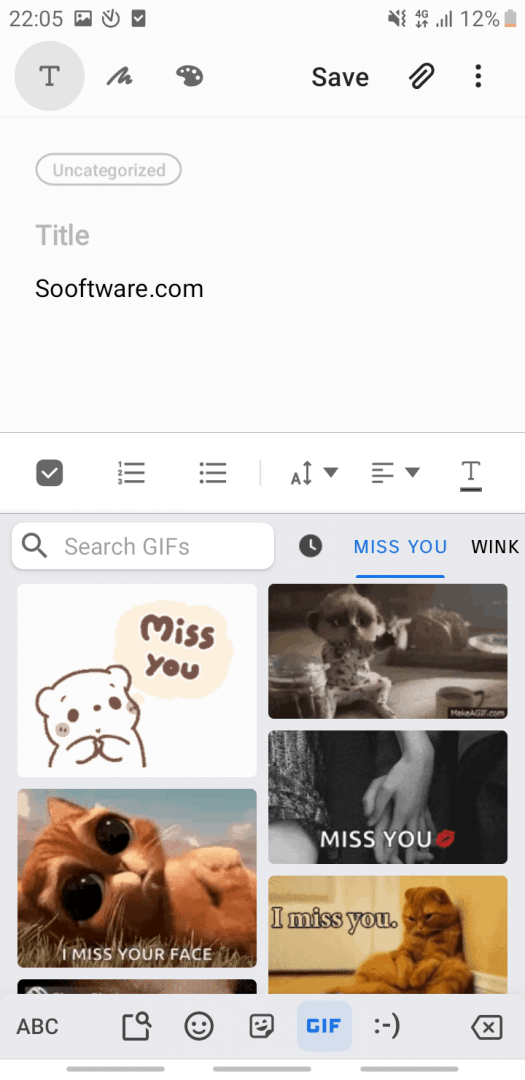
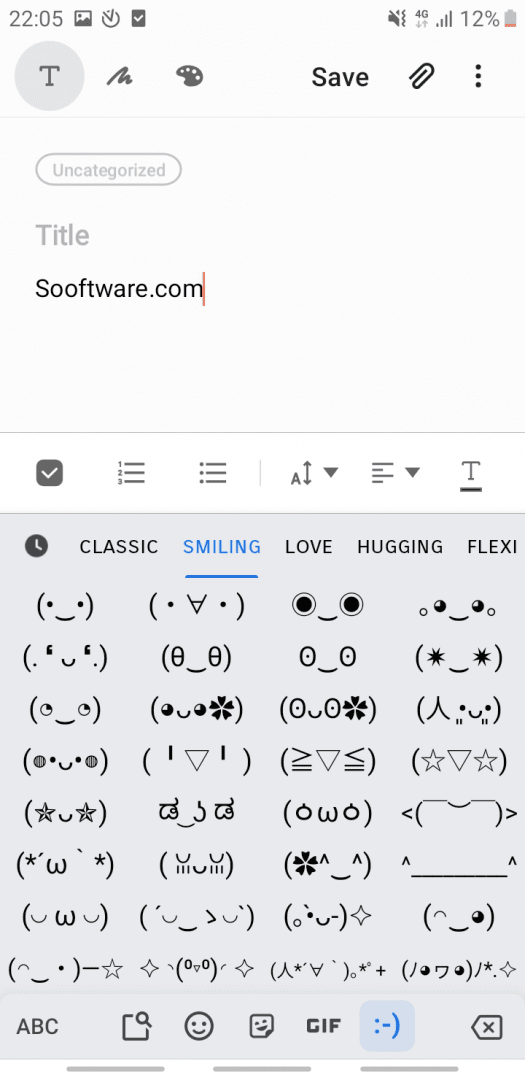
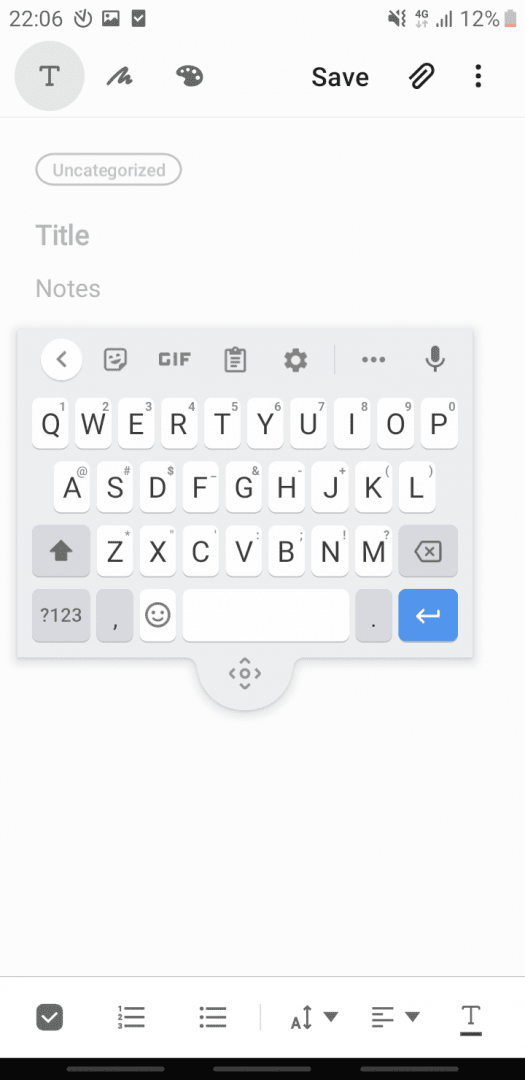
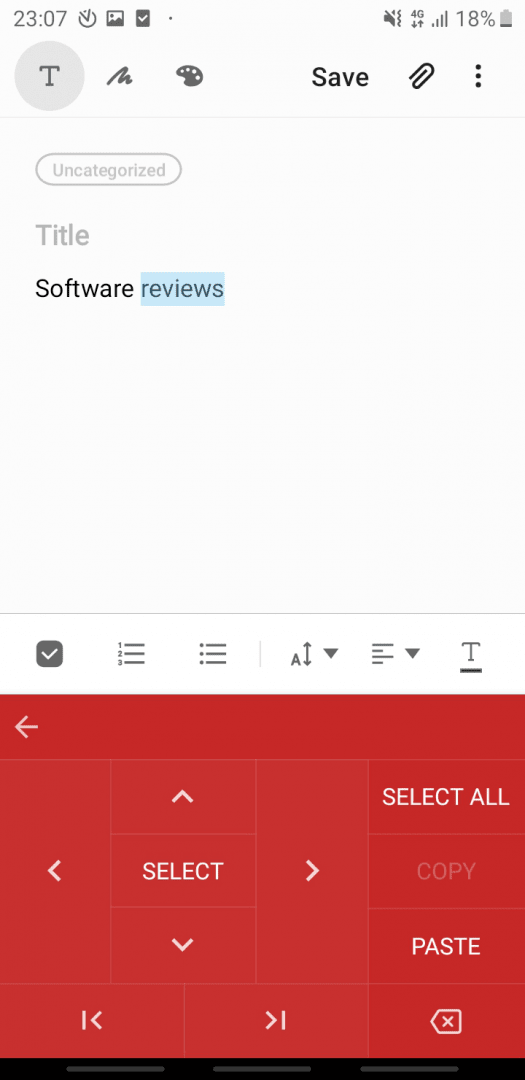
Apart from being well-shaped, with keys being more square-shaped than in other keyboards, it offers quick access to some interesting options, such as sending stickers, GIFs, and pasting recently copied items. A useful option Gboard offers is that when you hold down a key, you type the alternative character for that key located in the top-right corner.Multiple ways to input text
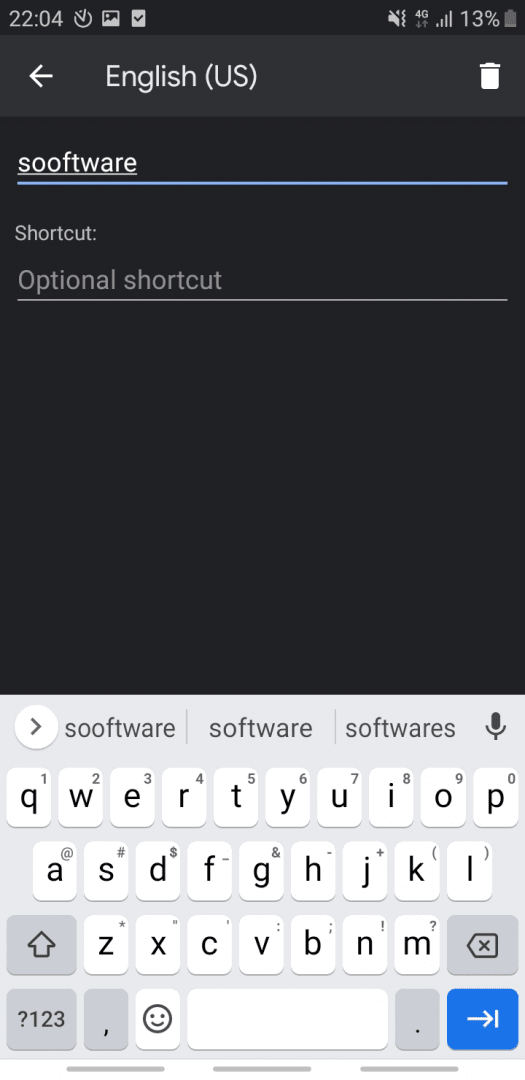
You can also turn on one-handed mode, use your voice or handwriting, or slide your finger across the buttons to translate your actions into written text. Gboard actively suggests the next word you might type, and it supports plenty of languages with full features.Built-in translation and themes
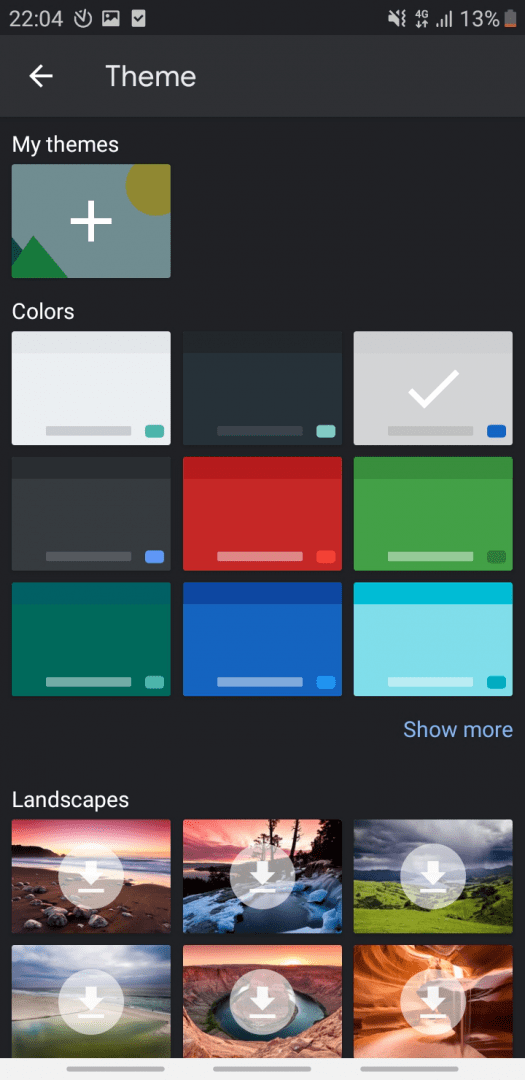
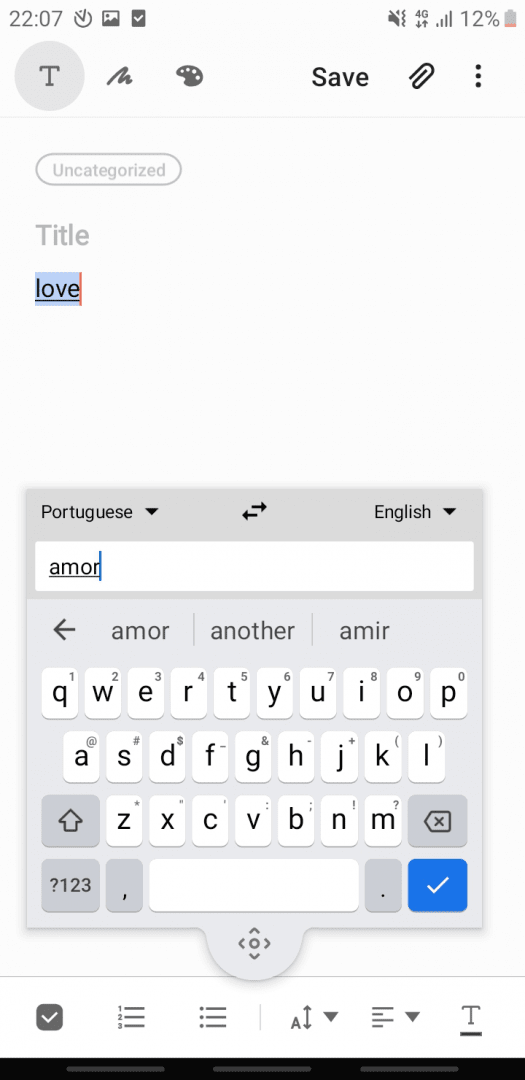
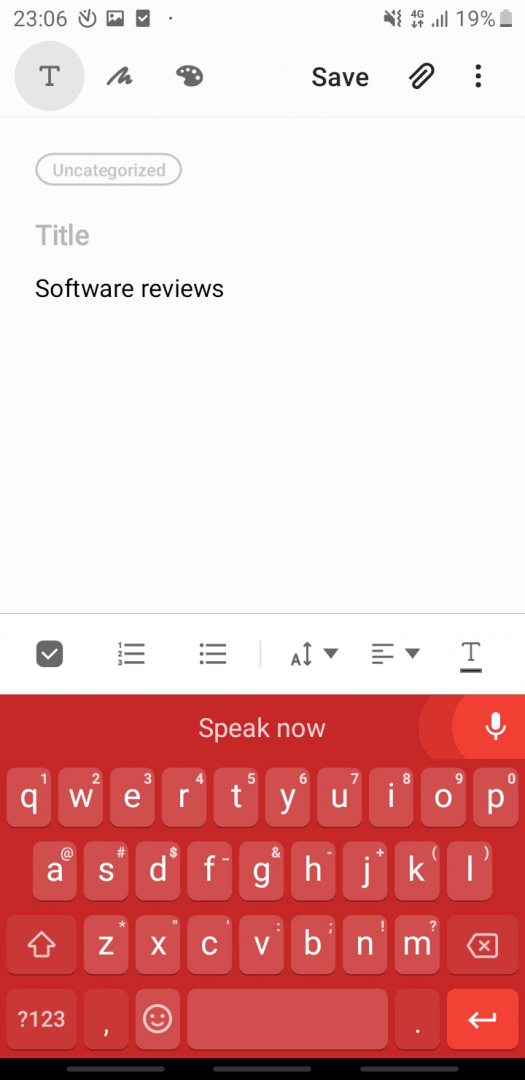
One of the features that really makes Gboard stand out from its competition is the integration of Google Translate. You can simply type text in a language of your choosing, and the translated version appears on your screen. You can also turn on the Floating option and easily set the position of your keyboard while typing. If you ever get bored with its appearance, you can always change the theme to a different color, gradient, or even a scenic background!